The browser app#
There is a browser version of the design workflow that needs no installation at all — no Python, no uv, no compiler. It runs in your tab: pick a design, download the spreadsheet, run your experiments, fill in the response column, and upload it back for fitting and ANOVA. Your data never leaves your browser — there is no server to send it to. The page itself is counted in the group’s Google Analytics, along with which design types get generated and whether a workbook comes back, which is what says where this is worth improving; none of that includes anything from your workbook.
It is the right starting point when you want to hand a colleague a design without first walking them through a Python install, or when you are on a machine you cannot install software on.
What it does#
Design. Choose a design type, name your factors and their ranges, and it
generates the run list as a .xlsx campaign workbook — the same format
the CLI reads and writes. If you are not sure which
design type you want, Choosing a design routes you there from the
question you are trying to answer.
Space-filling and response surface — Latin hypercube, central composite, Box-Behnken.
Screening and blocking — 2-level factorial, Latin / Graeco-Latin / hyper-Graeco-Latin squares.
Model-based optimal — linear, 1-D polynomial, 2- and 3-factor response surface, and the three Scheffé mixture models, each designed by maximizing the chosen information criterion (D, A, E, or modified-E).
Your own model — write the response formula, name its parameters, and it is differentiated symbolically to design for it. See below.
Write your own model. Choosing symbolic opens an editor: type an
expression like k0 * exp(-Ea / (8.314 * T)), list its parameters with
starting values, and the page shows you the parsed model and its derivatives
∂y/∂θ as you type. The design is then built to estimate those parameters as
precisely as possible.
Because a nonlinear model’s information depends on the parameter values, the
design is only optimal around the starting values you give — which is why the
natural workflow is design, fit, then discopt doe extend to re-centre the next
batch on the fitted values.
Analyze. Drop the filled-in workbook on step 2 and the analysis runs by itself — no buttons. It reads the campaign, fits the model (least squares for the built-in templates, nonlinear least squares with an analytic Jacobian for your own) reporting coefficients with standard errors and 95% confidence intervals, and runs ANOVA over the completed runs. The two are independent, so whichever applies to your design is reported and the other explains why it does not apply — a Latin square has no model to fit, and the ANOVA is its analysis.
Both steps write the model out as an equation — yield = b0 + b1·T + b11·T² + b12·T·P when the design is generated, and again with the fitted numbers in
place of the coefficient names once it is fitted. The terms come from the same
basis the design matrix is built from (discopt.doe.linear_design.basis_terms,
pinned against design_row by the test suite), so the equation on screen is the
model being fitted rather than a description of it.
Significance is reported where it belongs. For a model-based design that is the coefficient table: each term is marked ✓ or ✗ on whether its 95% interval excludes zero — equivalent to the t-test at α = 0.05, and the one rule that also works for a nonlinear fit, which reports intervals but no p-values — alongside the model’s own Regression/Residual/Total ANOVA and R². “Do the mean responses differ across the levels of this factor?” is a different question, meaningful only for a design built out of levels, so the factor-level ANOVA is shown for the Latin-square family and 2-level factorials. Rows with no F-ratio have nothing to test and are left blank rather than marked insignificant.
Uploading also fills step 1 in with the design that workbook was built from —
its template, factors and options, and a user-defined model’s expression and
nominal parameters. So a campaign you generated last week, or one a colleague
sent you, opens with its own design on screen rather than the page defaults,
and the form is set up to build the next design like it. Generating from there
makes a new workbook; to add a batch to the campaign you already have, use
discopt doe extend.
A workbook that is not ready says what to change: which run_ids are still
blank in the response column, whether the file is the wrong type, and — when
there are fewer completed runs than parameters — how many more you need before
standard errors mean anything. Partly filled workbooks are analyzed on the rows
that do have a response. Edit the file, drop it again, and the whole analysis
re-runs.
Workbooks move freely in both directions: a design generated in the browser
opens with discopt doe status, and a campaign started at the command line can
be analysed in the browser.
What it does not do#
The page itself covers design and analysis. Two verbs are command-line only:
extend, which designs the next batch from what you have measured so far, and
optimize, which runs active-learning rounds against a surrogate. So is the
--module escape hatch, where a model is a Python callable rather than an
expression.
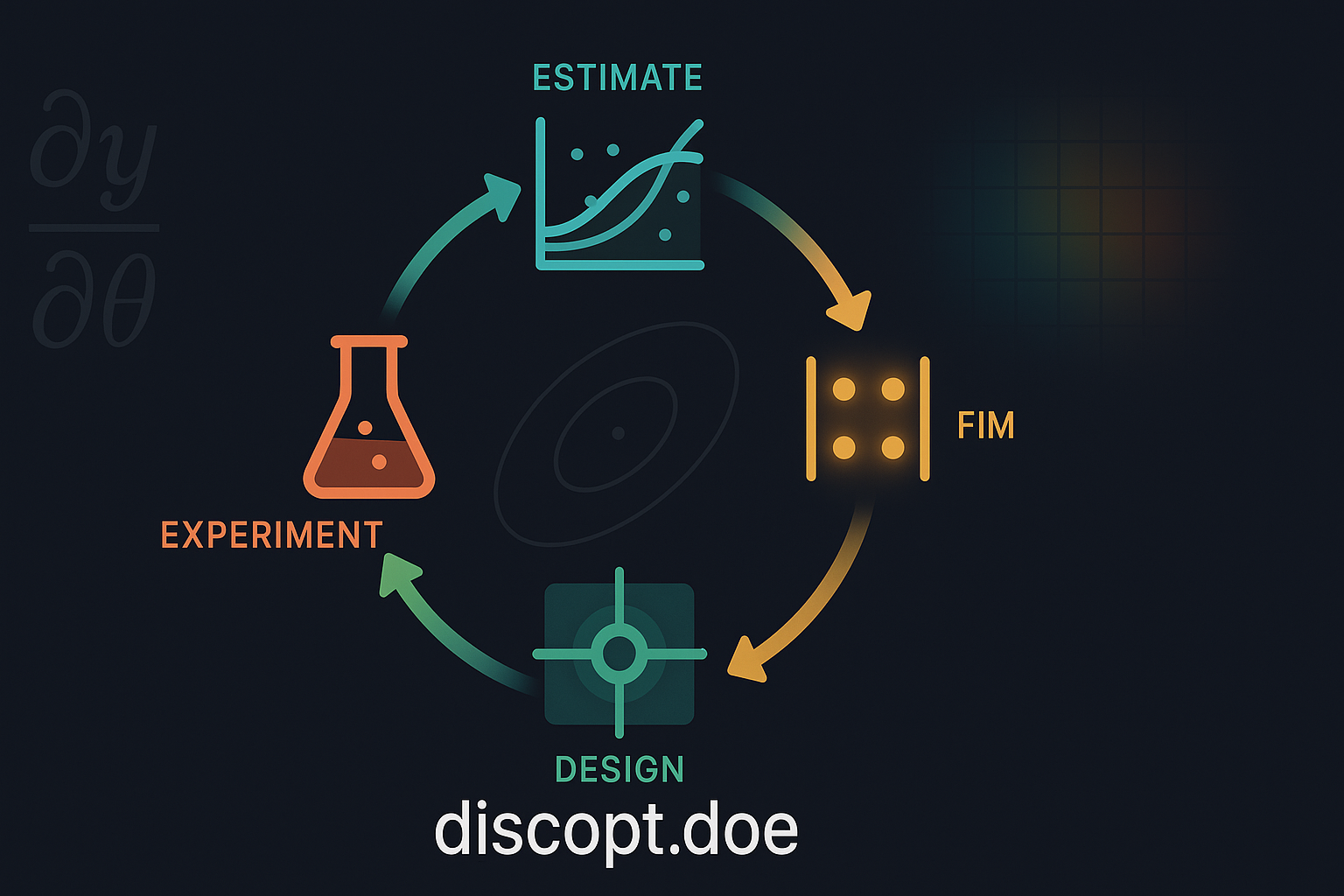
extend is the one worth knowing about, since it completes the loop for a
user-defined model — download a campaign from the page, fill it in, then:
discopt doe fit campaign.xlsx
discopt doe extend campaign.xlsx --n 4
which re-fits the parameters and centres the next batch on the new estimates. See the CLI workflow.
How it works, and why the limits are where they are#
The app is Pyodide — CPython compiled to WebAssembly —
running the real discopt.doe package, not a reimplementation. The design you
download is produced by the same code path the CLI uses.
The one thing it cannot do is load the base discopt package: that ships only
platform wheels and depends on jax, jaxlib, and a native solver, none of which
have WebAssembly builds. Since discopt.doe installs as a namespace
subpackage, it works there on its own — provided nothing it needs reaches into
the base package at import time, which tests/test_import_hygiene.py enforces.
That would ordinarily rule out the model-based optimal designs, since those are built from a Fisher information matrix computed by jax autodiff. They work anyway because of a property of the templates themselves: every one is linear in its parameters, of the form
so the sensitivity Jacobian \(\partial y/\partial\theta\) is just the basis-function row \(f(x)\), independent of \(\theta\), and the information matrix is exactly
No differentiation is involved. discopt.doe.linear_design computes this
directly in numpy, and the test suite pins it against the autodiff result to
machine precision. Designing still means optimizing the criterion over the
design box — that part is scipy.optimize, which Pyodide does have.
For a model you write yourself that closed form no longer applies — the
Jacobian genuinely depends on the parameter values. There, discopt.doe.symbolic
differentiates the expression with sympy.diff and evaluates it through
sympy.lambdify, which sympy being a Pyodide package makes possible. The tests
pin that against the jax result too, on Arrhenius, Michaelis-Menten, and
exponential-decay models.
Why the model is stored as an expression#
A campaign workbook has to carry its model so that fit and extend can
rebuild it, which means model definitions arrive in files — not only from the
person who typed them. Storing executable source and running it on open would
make an emailed workbook a code-execution vector.
So what a workbook stores is the expression itself, and reading it back never
calls eval. discopt.doe.symbolic.parse_expression walks Python’s own AST and
rebuilds the sympy tree node by node, accepting arithmetic, numbers, the
declared symbol names, and a fixed list of functions — and rejecting attribute
access, subscripts, lambdas, comprehensions, and calls to anything else.
(sympy.sympify and sympy.parsing.parse_expr are deliberately unused; both
ultimately call eval.)
Running it locally#
uv run python scripts/build_web_app.py --serve
That builds the wheel, assembles the app around it, and serves the result.
Pyodide needs real HTTP requests, so opening index.html from the filesystem
will not work.
The published app is rebuilt from the repository on every push to main, so it
always matches the current source rather than the latest PyPI release.